Asterisk
PBXAfter a call, the dialplan uploads the recording to the connection URL with a token; the dashboard provides a ready extensions.conf snippet. The voice agent also runs through Asterisk.
Data: call recordings, agent calls
The Phonix team sets up the connections: you provide access, we deliver a working setup. Below is how each integration works and what data it carries.
Where Phonix gets calls for speech analytics and what the voice agent runs on.
After a call, the dialplan uploads the recording to the connection URL with a token; the dashboard provides a ready extensions.conf snippet. The voice agent also runs through Asterisk.
Data: call recordings, agent calls
Enable the "Your CRM" integration in the PBX with the URL and key from Phonix. The PBX sends every call with a recording link, anything missed is fetched from the history.
Data: calls and recordings in real time
Requires an API key from the vpbx.mts.ru account. Call history and recordings are synced every 5 minutes.
Data: call history and recordings
POST /api/v1/calls with a file or recording URL, the client's number and the manager's extension. Works for PBXs not on this list.
Data: recordings from any system
Where the bot meets clients. All channels connect to one bot and one knowledge base.
One <script> line on your site. The chat window lives in an iframe from the Phonix domain; the list of allowed sites is set in the channel.
Data: messages from site visitors
Requires a bot token from BotFather. The webhook with a secret is registered automatically.
Data: direct messages to the bot
Community key, confirmation string and the Callback API secret.
Data: community messages
client_id and client_secret from Avito Pro; the Messenger API subscription is set up automatically.
Data: messages about listings
Bot token; the webhook with a secret is registered automatically.
Data: direct messages to the bot
How leads, calls and reviews reach your CRM.
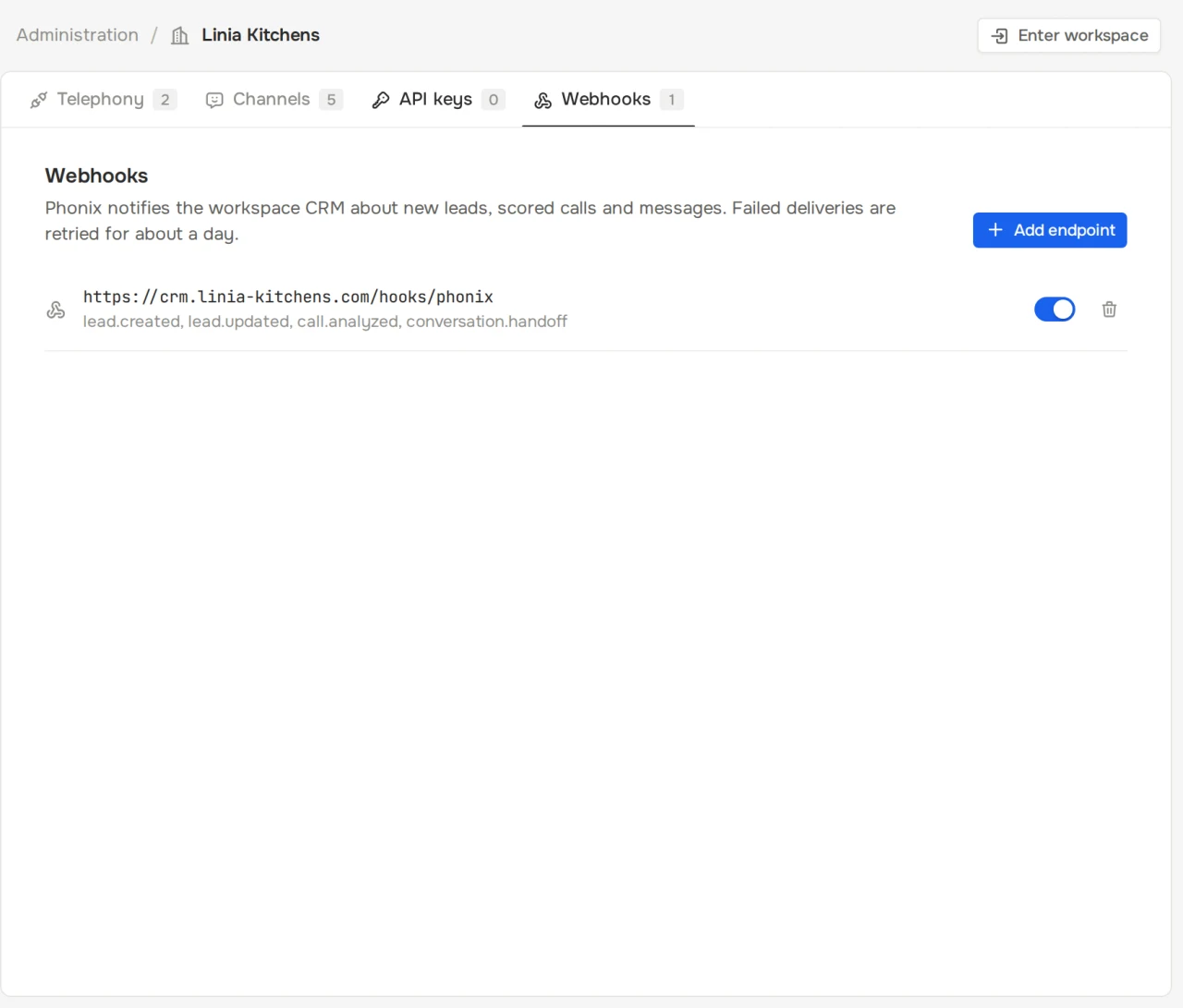
7 events about leads, calls and chats. Each is signed, and failed deliveries are retried 6 times, from 1 minute to 12 hours.
Data: real-time events
Leads, calls, reviews, chats, employees and the knowledge base are available with a read or write key.
Data: reading and writing data
Any CRM that accepts webhooks or works with a REST API. If your CRM can't take webhooks directly, data goes through a middleware service.
Data: leads and call outcomes
The Phonix team sees each company's PBXs, channels, API keys and webhooks on one admin page.

It depends on the PBX and the number of channels: cloud PBXs connect with a key, Asterisk needs a dialplan change. The Phonix team gives a timeline after discussing your setup.
Megafon and MTS need an API key from the PBX account. Asterisk needs a dialplan snippet that the dashboard provides.
Recordings from any system can be sent via the REST API. Ready connections exist for Asterisk, Megafon PBX and MTS PBX.
Messenger and PBX tokens and webhook secrets are stored encrypted with AES-256-GCM, and connection settings are available only to the Phonix team.